The Music Stem / Show the work
Show the work
Compose, record and keep your own music
Write a song and record it. Keep it in My Conservatory with your certificates.
Compose
Write a song of your own
Opus Atelier
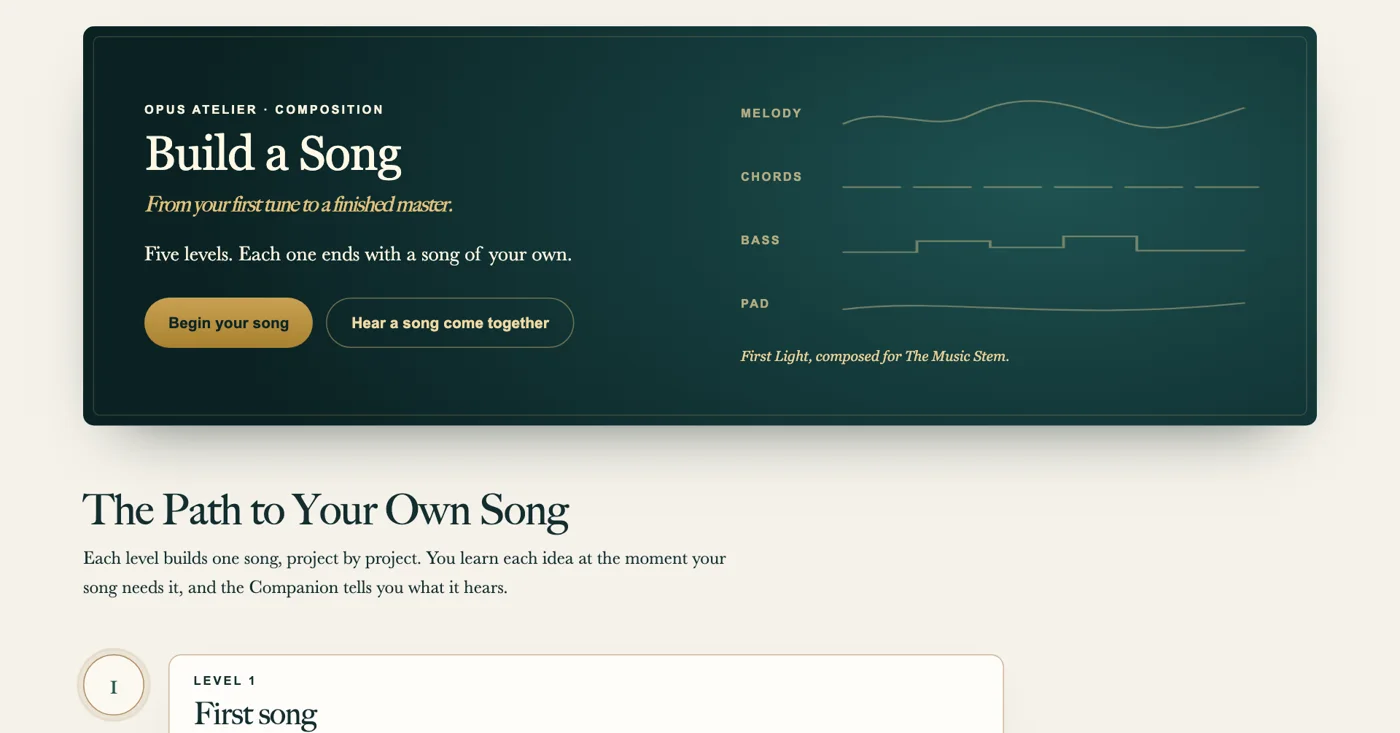
Write a song part by partBegin with the melody and add one part at a time. At the end you hear all the parts together.Begin your song →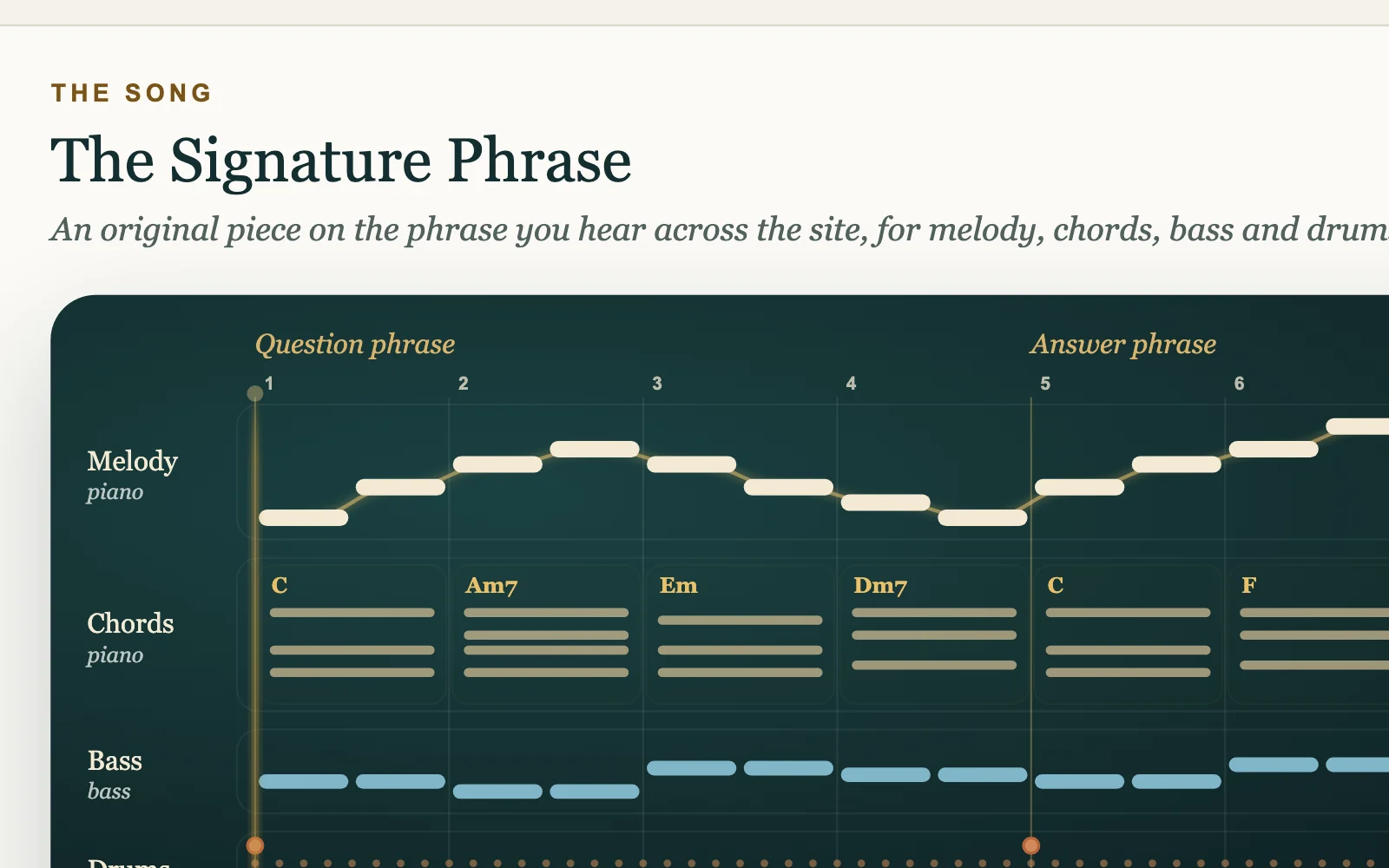
Theme and Variations
Hear what a change does to a songGuess how a change will sound. Make the change and compare the two versions.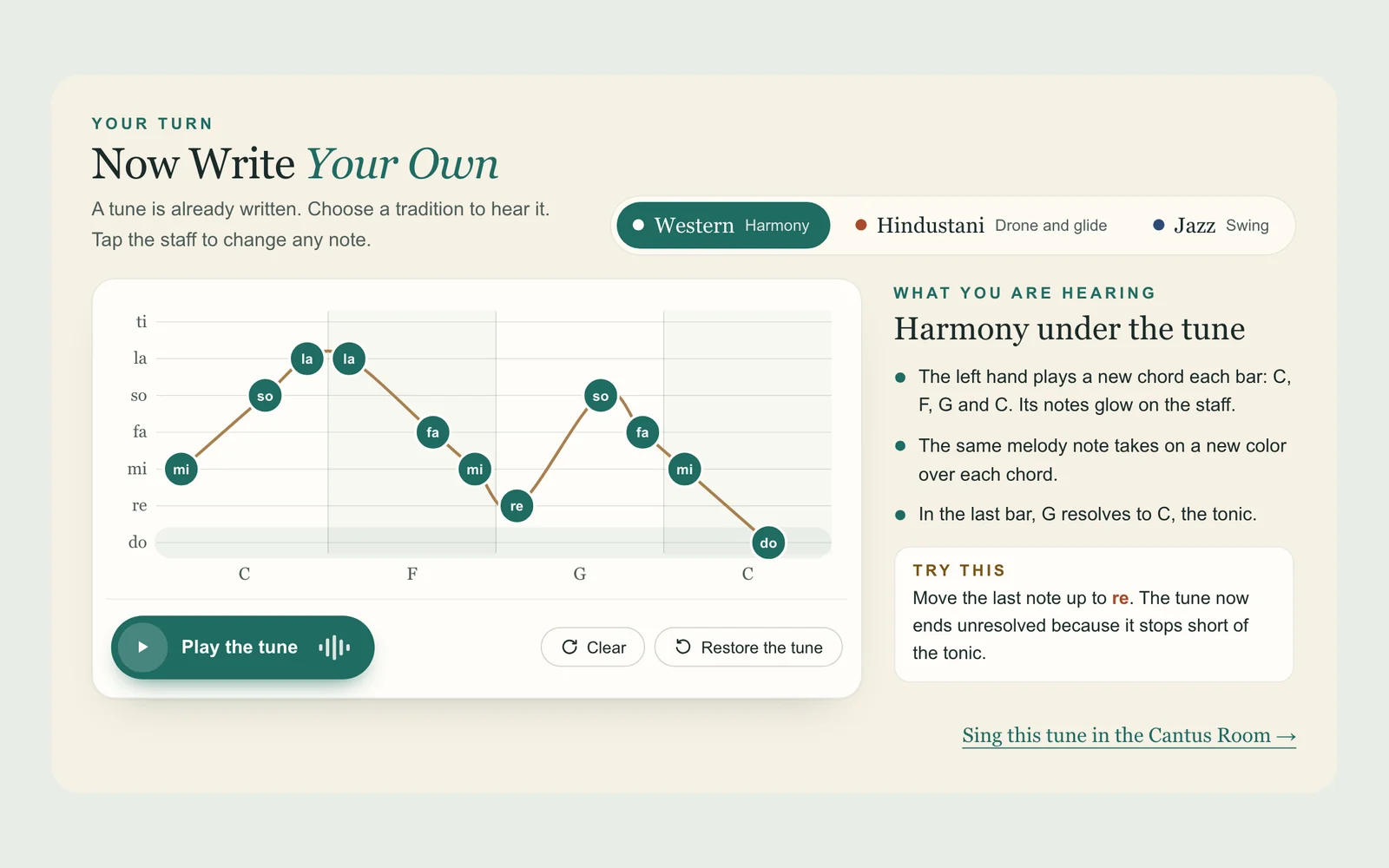
Your turn
Write your own tuneChange a note and hear the tune in Western, Hindustani and Jazz styles.Record and edit
Edit and finish a recording
Music Stem Editor
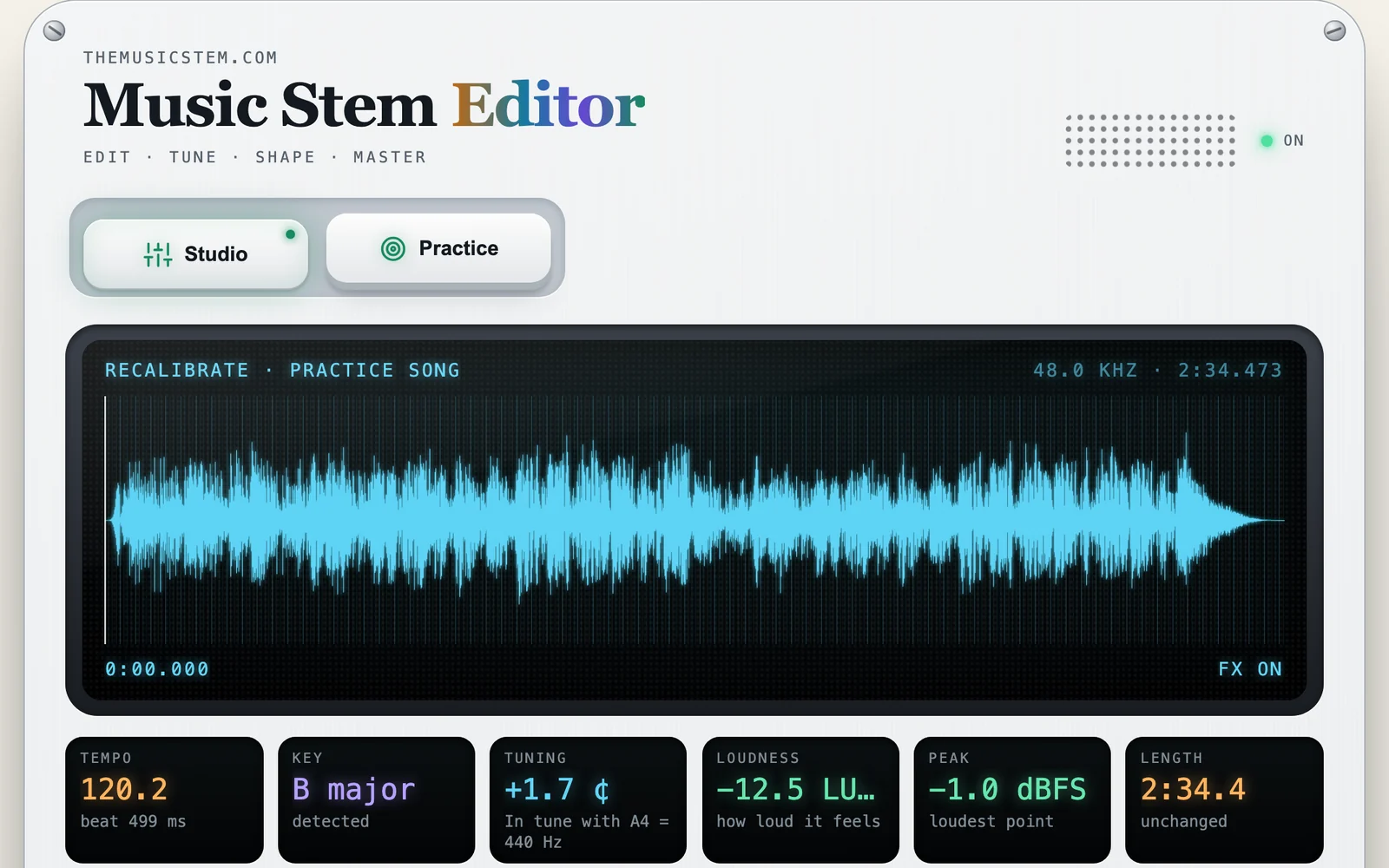
Edit and tune a real songOpen a practice song with a real singer and band. Edit the parts and correct the pitch of the voice. Then compare your mix with the original.Open the Editor →
Instruments
Record at the grand pianoPlay in Cantabile Hall and save your playing as a MIDI file.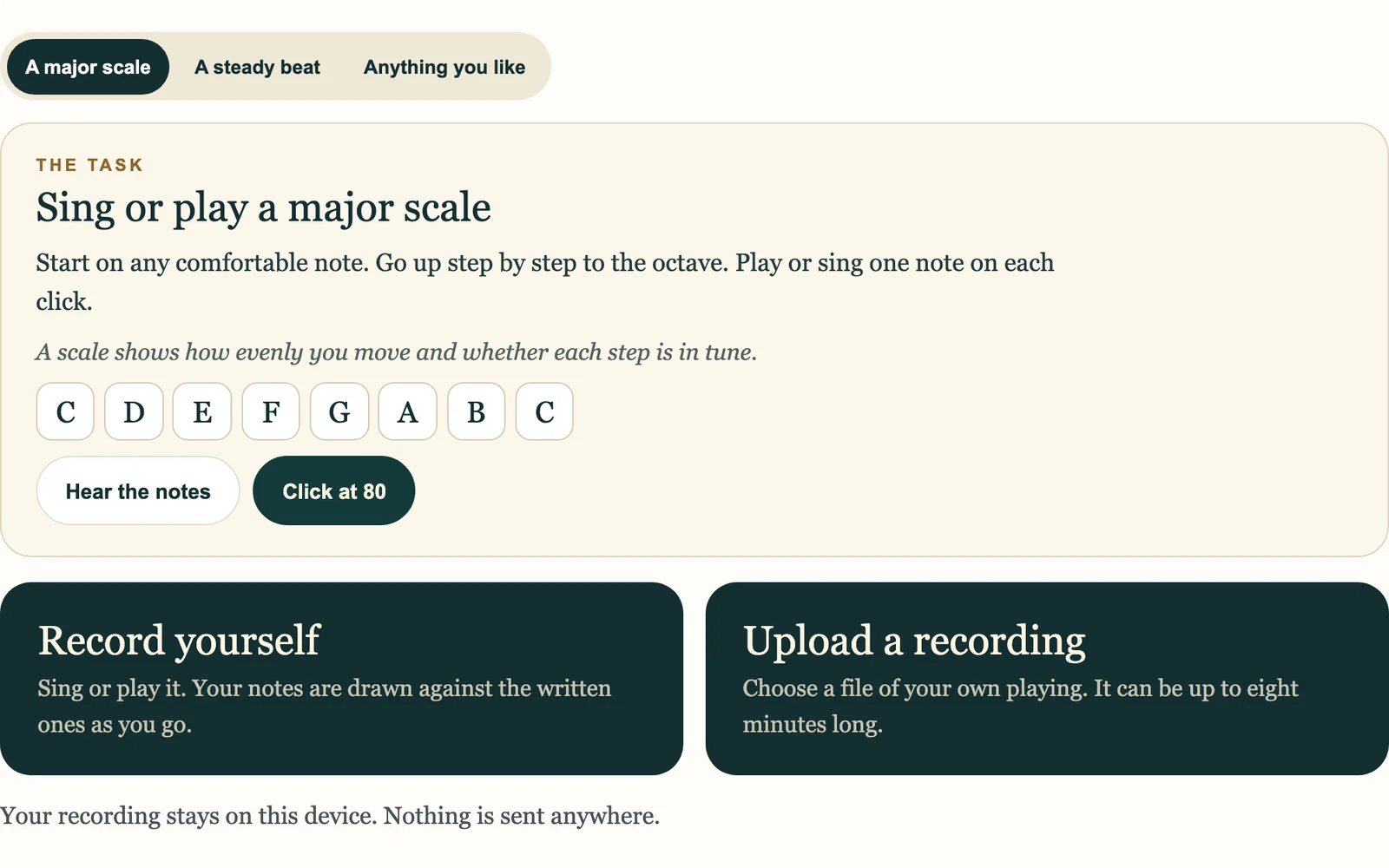
Your playing
Measure Your PlayingSee how close each note is to the beat and the pitch.Keep and share
Certificates and progress
My Conservatory
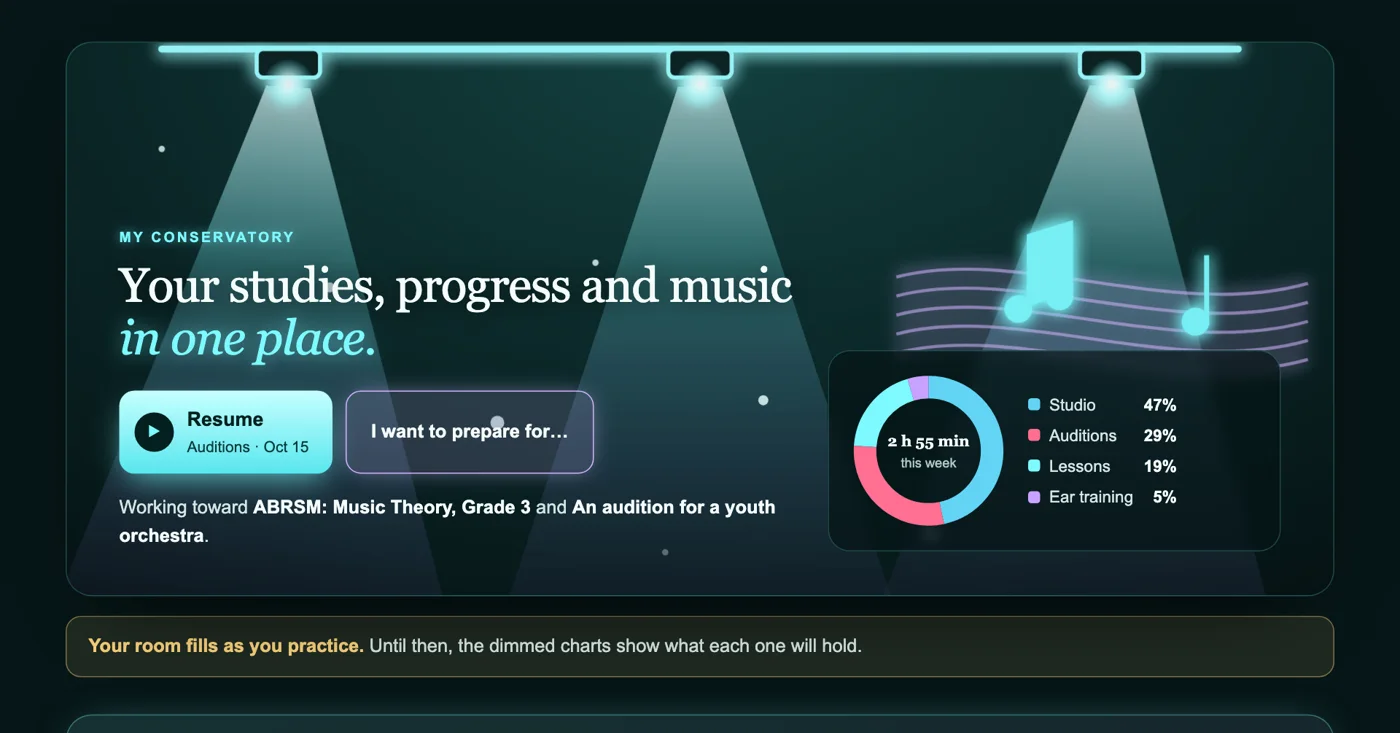
Your music in one placeSet your goals and keep your practice, recordings and results together.Open My Conservatory →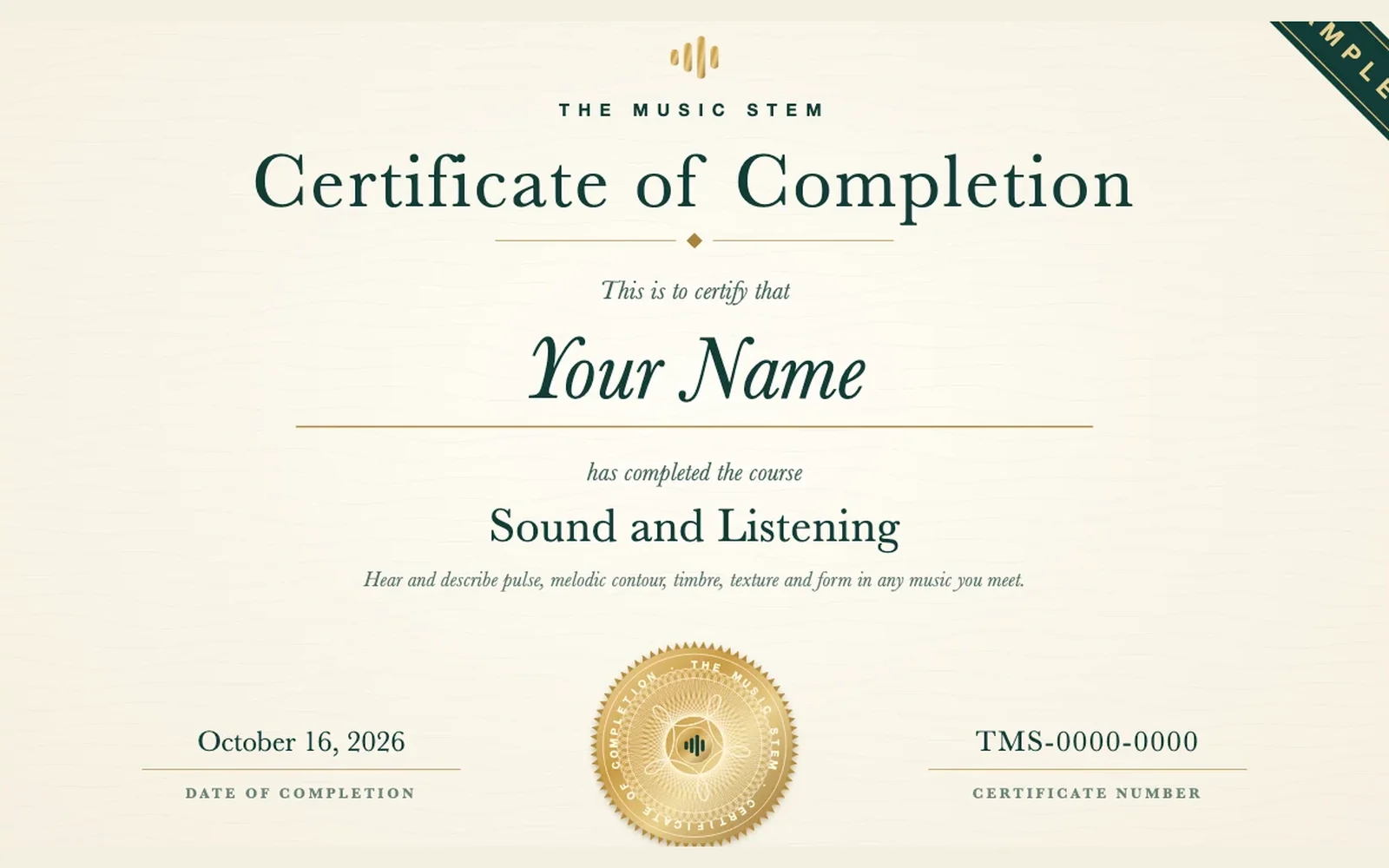
Certificates
Certificates of Completion and PracticeEarn one when you complete a course or a full practice paper.
Auditions
Prepare your auditionPractice the pieces and tests that your school asks for.About composing and recording
You can write a song one part at a time and record your playing at the grand piano. The Editor measures a recording and helps you correct it. Your songs, recordings and certificates stay together in My Conservatory.
Who it is for
Students who compose, arrange or produce music keep their work here. Many of them also need to show it to a teacher or a school. Many music schools ask for recordings or original pieces with an application. Your finished pieces and recordings can go into that application.
How a song grows in Opus Atelier
Opus Atelier teaches composition one part at a time. You begin with the melody. Each later step adds one part, such as the bass line or the chords. At the end all the parts play together. Theme and Variations shows what a single change does to a song. Predict how the change will sound. Then make the change and compare the two versions.
How to finish a recording
The Music Stem Editor measures the tempo, the key, the tuning and the loudness of a recording. You can correct the pitch of a voice. You can also hear your edited version beside the original recording and compare the two. In Cantabile Hall you play a recorded grand piano and save your playing as a MIDI file. Other music programs can open and edit a MIDI file. Measure Your Playing in StemLab shows how close each note was to the beat and to the correct pitch.
What to keep for an application
Keep your best recordings and your finished pieces in My Conservatory. A Certificate of Completion records a finished course or a full practice paper. Many schools first ask for a recorded audition, called a prescreening video. Read the page on prescreening videos. The audition guides list what each school asks you to send.