The Music Stem / StemLab
StemLab
Take Any Song Apart and Hear Every Part
StemLab lets you hear each instrument in a song on its own. You can solo or mute any part and slow the song down without changing its pitch. You can also see the pitch, timing or harmony of the part you choose, and bring a song of your own.
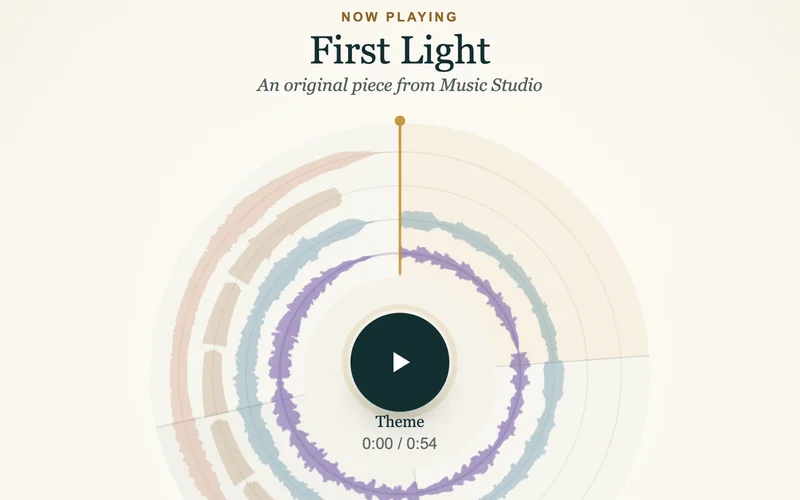 StemLabHear each part of a song alone, slow it down and see every note.Open StemLab
 How to Hear Each Instrument in a Song
Press play, and each part of the song appears as a ring on the screen. Tap a ring to choose that part. Solo it to hear the part alone, or mute it to hear the song without it. The section buttons move straight to the theme, the build or the climax.
The first song is First Light, an original piece for melody, piano, bass and pad. A pad is a soft, held keyboard sound. Pieces from the courses open in the same player.
Slow a Song Down Without Changing the Pitch
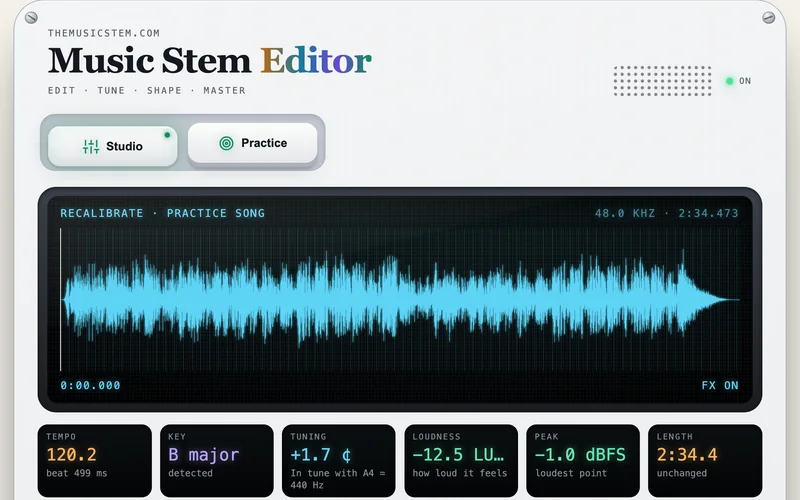
Choose Slower or Much slower, and the song plays at a practice speed with its pitch unchanged. The practice player in StemLab Tools also slows a song down and loops a hard measure until you can play it.
What StemLab Shows About Each Part
Each kind of part has its own view:
- A melody or a bass line is drawn note by note against the pitch grid. Each note shows how far it lies above or below the true pitch, in cents. A cent is one hundredth of a semitone.
- A drum part shows each hit against the beat grid. Each hit is marked early, late or on the beat. The mark also gives its distance from the beat in milliseconds.
- Other parts show the notes they sound together and the name of the chord at each moment.
The timbre view shows the overtones of a part while it plays.
Hear What an Effect Does
You can make the part you chose darker or brighter, or add reverb, saturation, compression or a note an octave higher. Button A plays the part without the effect. Button B plays it with the effect. Both versions play at the same loudness, so you hear only the change in sound. A line below the buttons shows how much the effect changed the sound.
Bring Your Own Song
Upload a finished song, and StemLab splits it into voice, bass, drums and the other instruments. You can also upload each part as its own file. StemLab finds the beat, the bars and the sections of your song. Save your own mix as a WAV file in My Conservatory, your saved work on the site.
Bring Your Playing
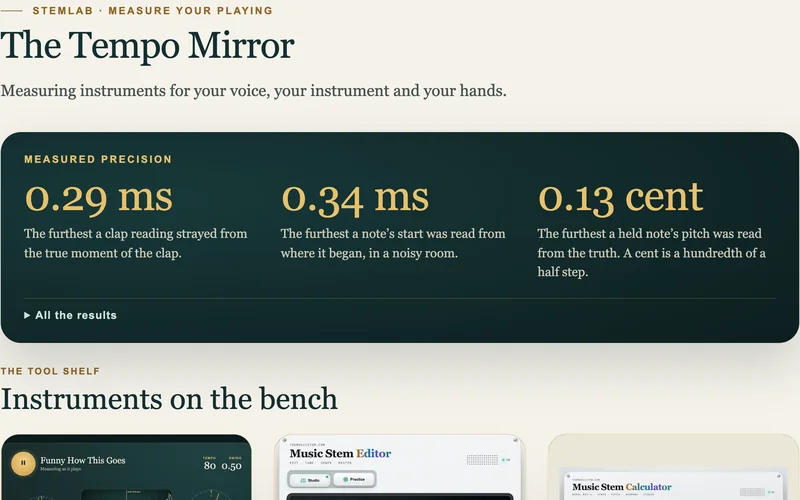
Record yourself or upload a recording of a song you play. StemLab places each note against the beat in milliseconds and against true pitch in cents. You see which notes came early or late and which ones sat sharp or flat.
StemLab Tools
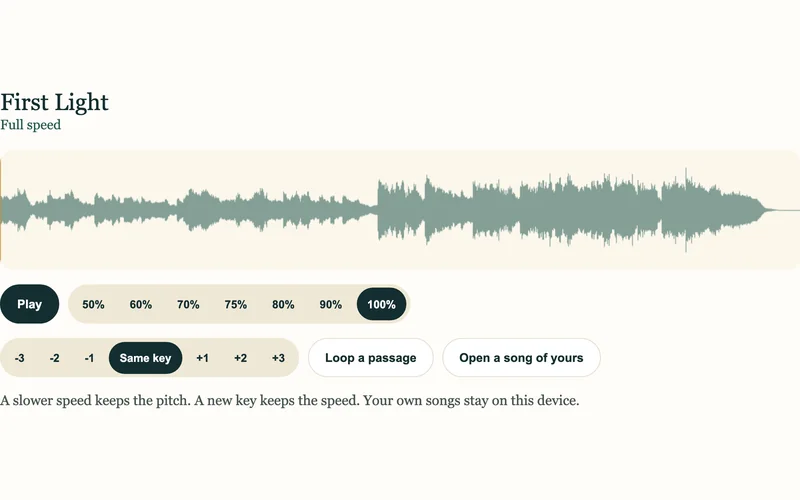 Practice playerSlow any song down without changing its pitch, and loop a hard bar.Open
 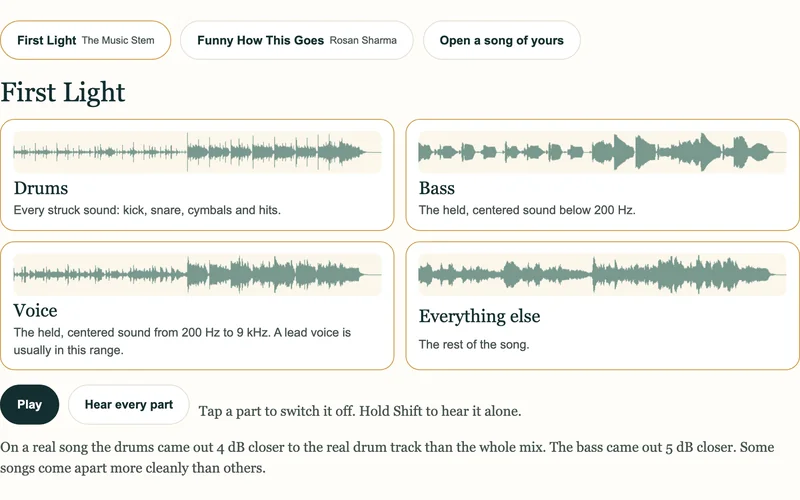 Stem splitterTake a song apart into drums, bass, voice and the other instruments.Open
 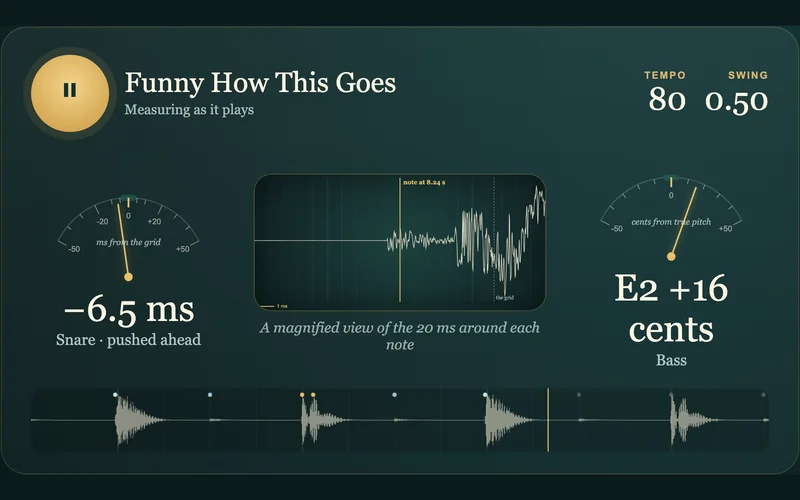 Timing to the millisecondSee each drum hit in milliseconds and each bass note in cents.Open
 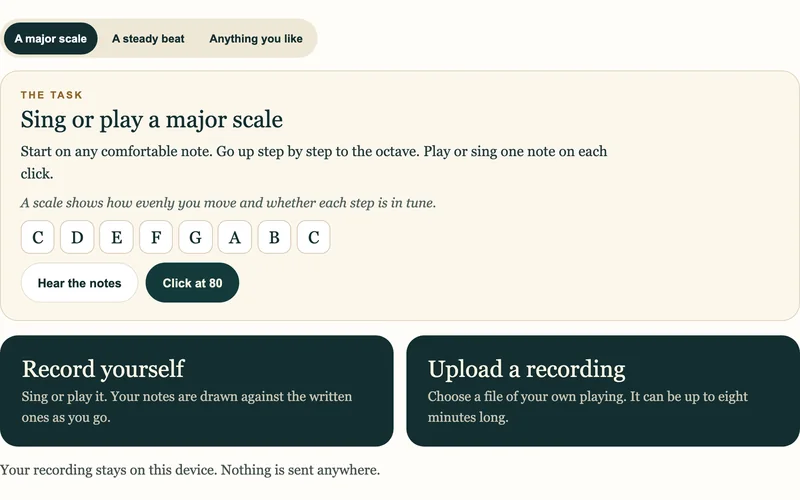 Measure Your PlayingRecord yourself and see each note against the beat and against true pitch.Open
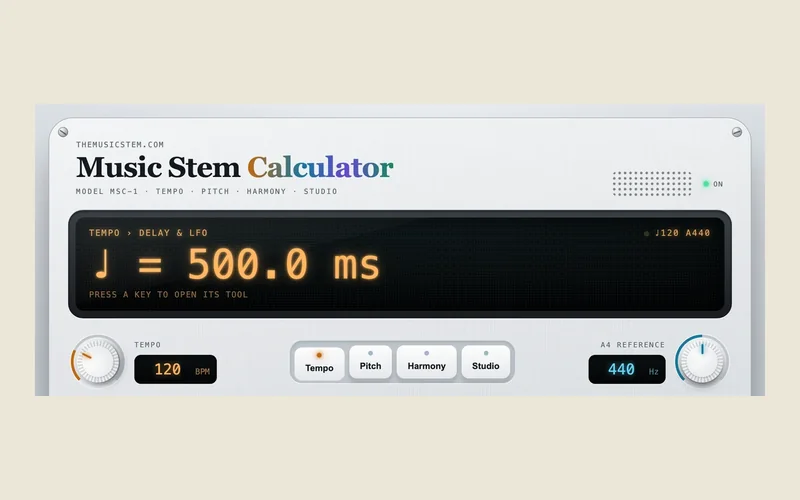
  All StemLab ToolsOpen the tuner, the chord listener, Song X-ray and the metronome.Open
 More Tools from The Music Stem
See a mistake on this page? Write to info@themusicstem.com or read how to report an error.